Every golf app has an “AI” button now. Point your phone at your swing and something will grade it. Type a question into a chat box and something will answer. Some of it is clever. Most of it has the same problem: it is working from a guess about what the ball did, or from numbers it never saw produced.
We took a different route with the AI inside ES Range, and the difference comes down to one decision. Ours starts from measured shots.
Three kinds of golf AI, and the gap in the middle
If you look at what’s on the market, the AI splits into three camps.
The first camp is camera-only apps. You prop your phone on a tripod, swing, and the app estimates your body positions from video. It can be useful for looking at your motion, but it never sees the ball. It doesn’t know your carry, your spin, or whether the shot you’re analyzing was your best of the day or your worst, so its advice is generic by design.
The second camp is chat assistants bolted onto launch monitor data. These do have real numbers, but they’re built as a conversation you have to start and steer, usually with a monthly message limit, and they live on a desktop or in a simulator bay. You’re not going to open one between shots on a public range.
The third camp is the studio setup: dual high-speed cameras, a gaming PC, a five-figure launch monitor, and software that fuses all of it. It’s impressive. It’s also a room, not something you carry.
Almost nobody has built AI for the golfer standing on a range mat with a phone in one hand and a 7-iron in the other. That’s the gap ES Range is built for.
It starts with real numbers
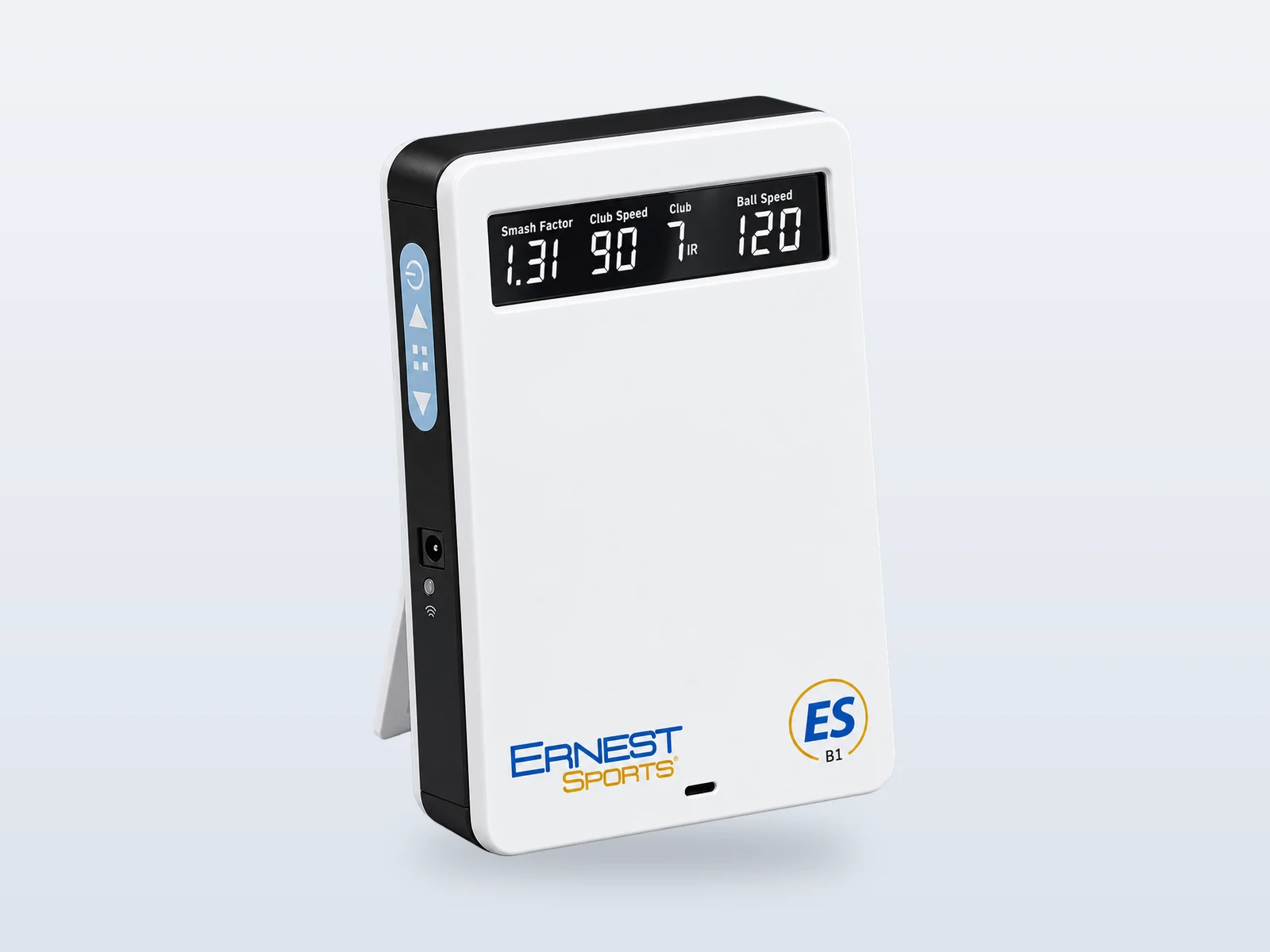
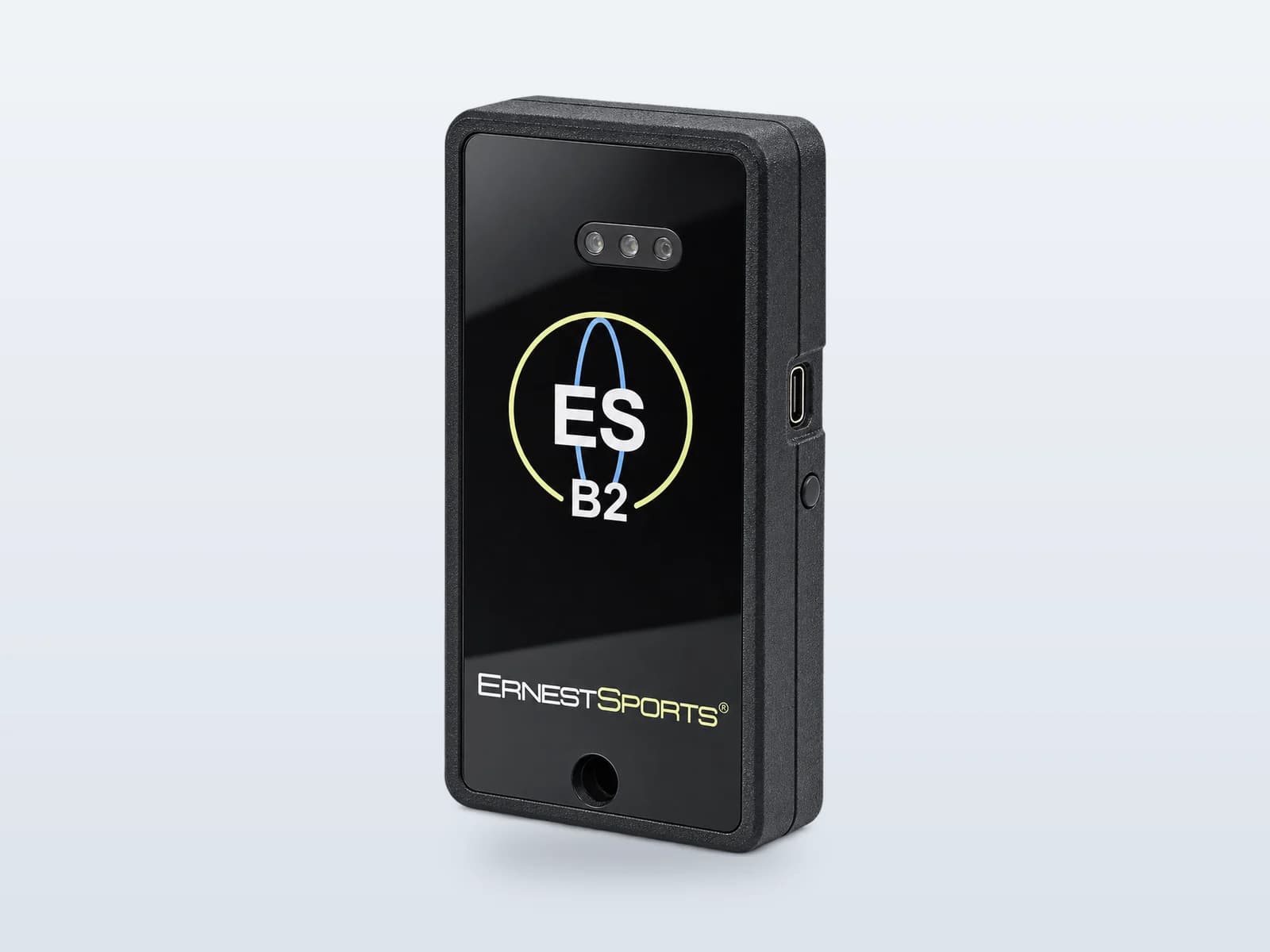
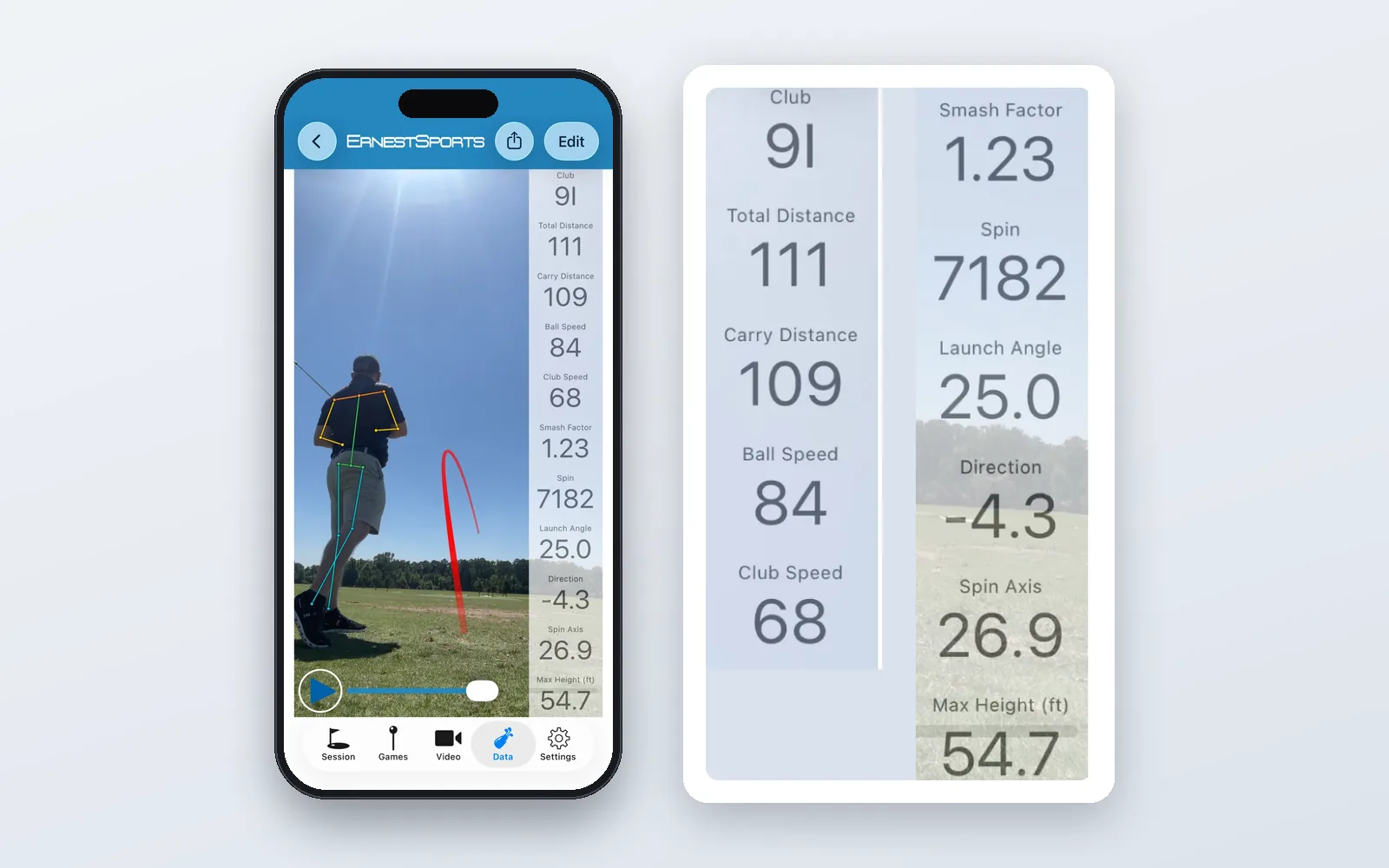
ES Range pairs with your Ernest Sports launch monitor and records every shot as you hit it: carry and total distance, ball speed and club speed, spin, smash factor and launch angle. That data is measured, not estimated from a video frame. It’s saved under a session you name, so a Tuesday evening with a 7-iron becomes a record you can open a week later.
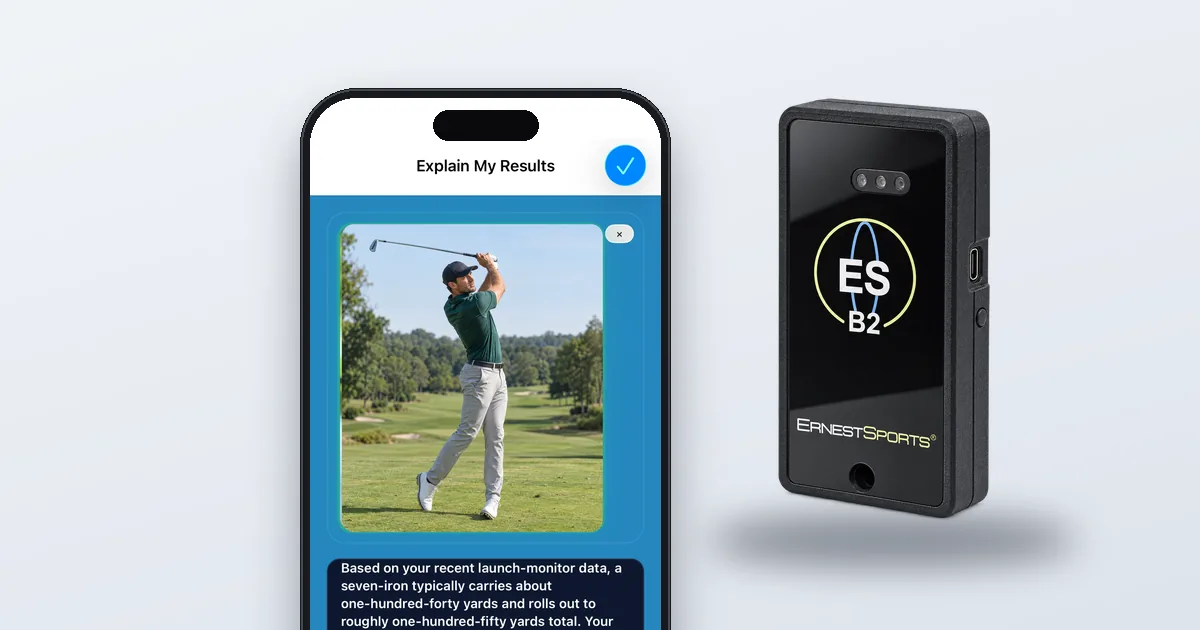
Turn on AI analysis and Explain My Results reads that record. Pick a session, or use the one you just finished, and it turns the numbers into plain language: what the session says about your game, the patterns that keep showing up, and what’s worth working on next. It’s looking at the whole session, not one shot, which is the difference between “that one was thin” and “your strike quality drops on the last ten balls of every bucket.”
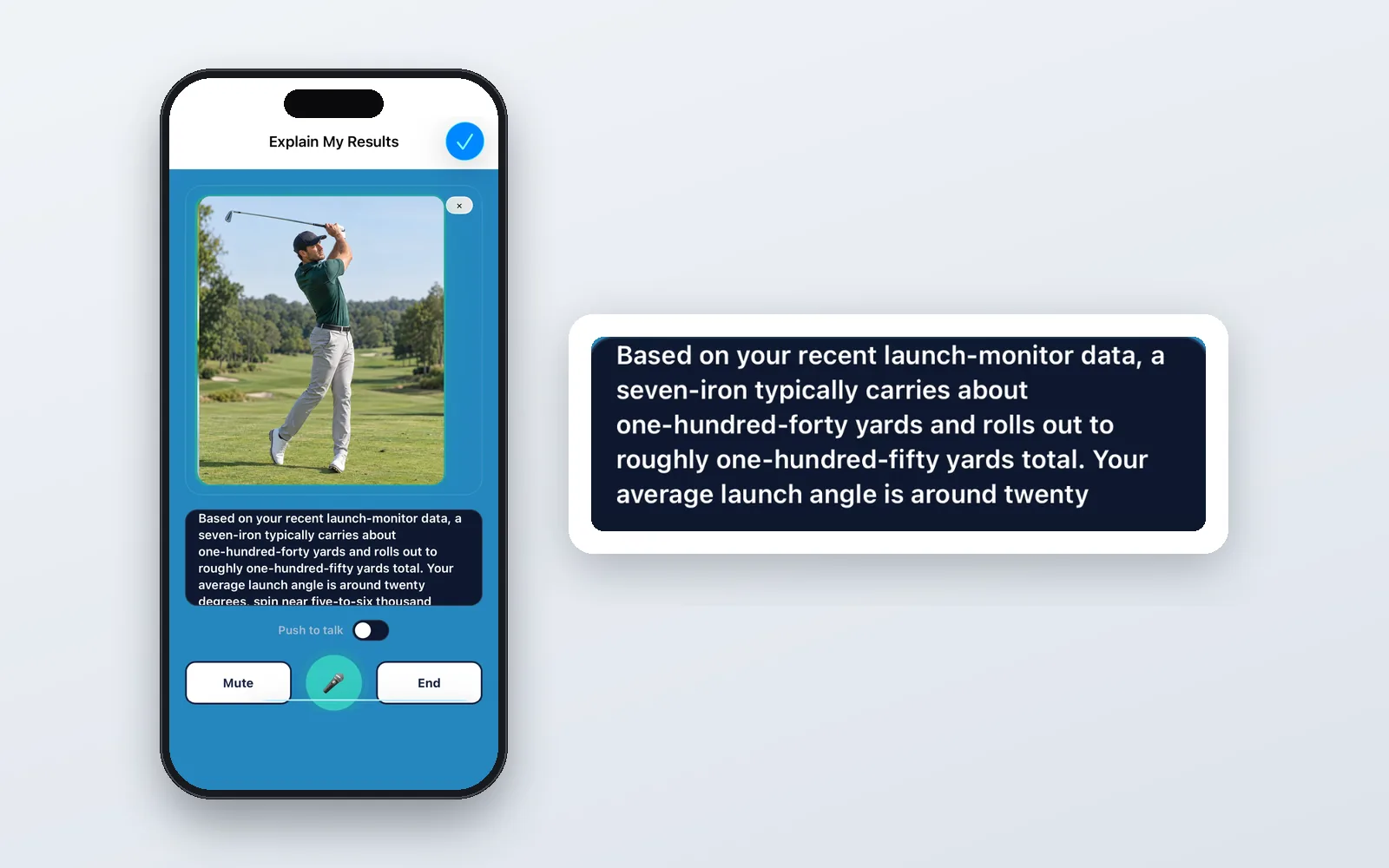
Two things make this different from the AI you’ve probably already tried. First, the inputs are real. The analysis is only as good as the data underneath it, and ours comes from a launch monitor, not a phone camera estimating ball flight. Second, it’s built to be a second opinion. It won’t replace your coach or your own judgment. It gives you another way to look at a session and a clear starting point for the next one, and if you already take lessons it’s exactly the kind of thing to bring to your instructor.
New to the numbers? Start with our guide to what launch monitor metrics actually mean.
What it looks like on the range
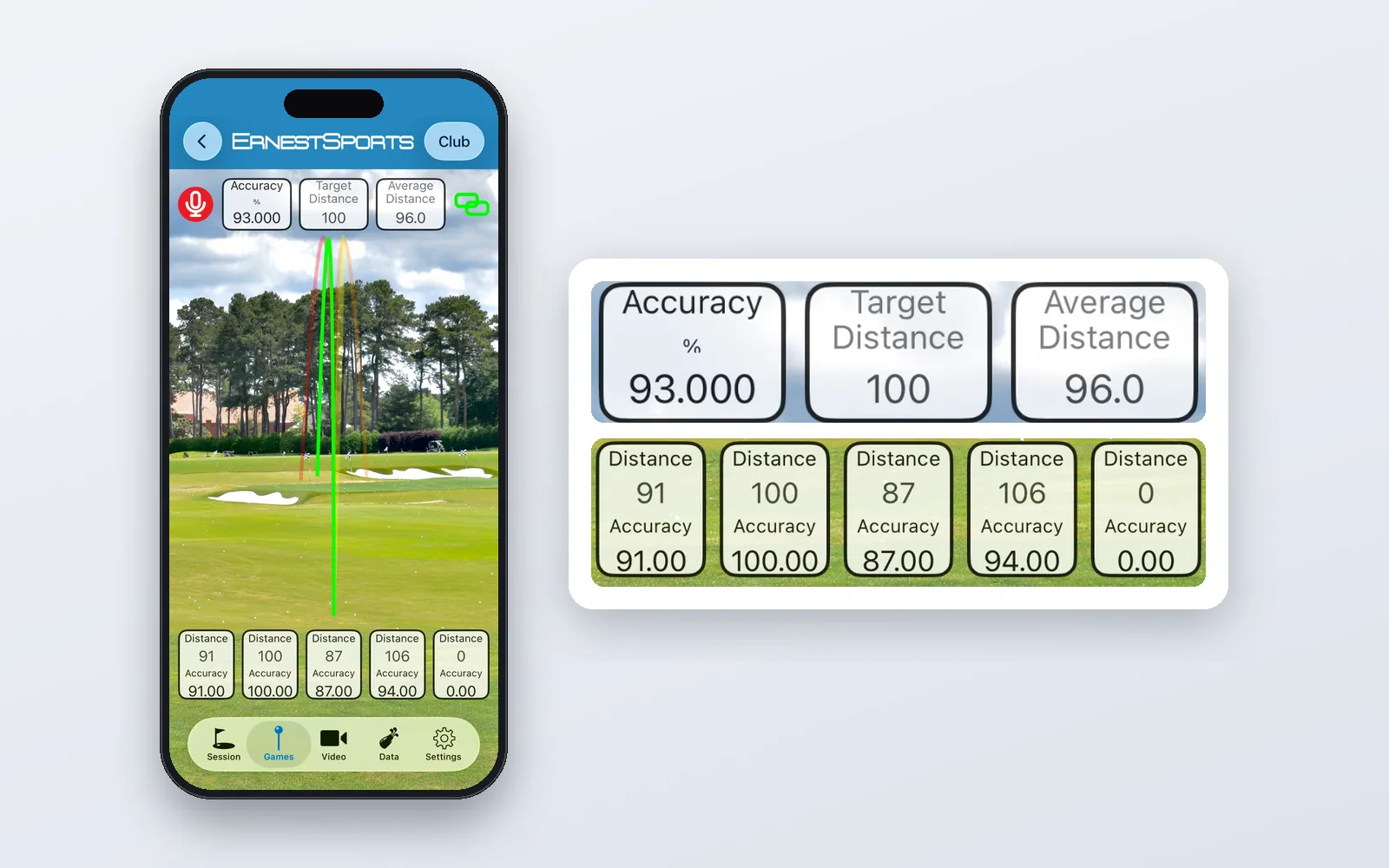
You hit a bucket. You look at the numbers and see your 8-iron carry is all over the place. You tap Explain My Results. It notices that your ball speed is consistent but your launch angle and spin are jumping around, and suggests that strike location, not swing speed, is what to work on. Next session you run the Five Shot game with an 8-iron at 150 yards, hit five, and the session is saved for the AI to read again. That’s the loop: measure, explain, practice with a target, measure again.
No chat window to manage. No message cap. No tripod.
Why the launch monitor matters
This is the part we’d say even if we didn’t sell launch monitors: AI can’t fix inputs it doesn’t have. Every “AI coach” that runs from a phone camera alone is filling in the ball flight with an estimate, and every recommendation it makes inherits that estimate.
Pairing ES Range with an Ernest Sports unit closes that gap for less than the price of a few lessons. Our launch monitors start at $450, the app is free, and the whole thing fits in a golf bag. ES Range works with the ESB1 REV-D and ESB2. AI analysis is an optional add-on at $8.99 a month.
Everything else in the app
The AI is the headline, but ES Range earns its place on your phone without it.
Sessions and club comparison. Every shot is saved under a named session, and the app compares your results by club so you learn your real distances and see the gaps in your bag.
Shot Trace. Record a swing on video, and the app proposes a trace of the ball’s flight that you can adjust before saving the traced clip with the shot’s data. Swing, flight, and numbers in one place.
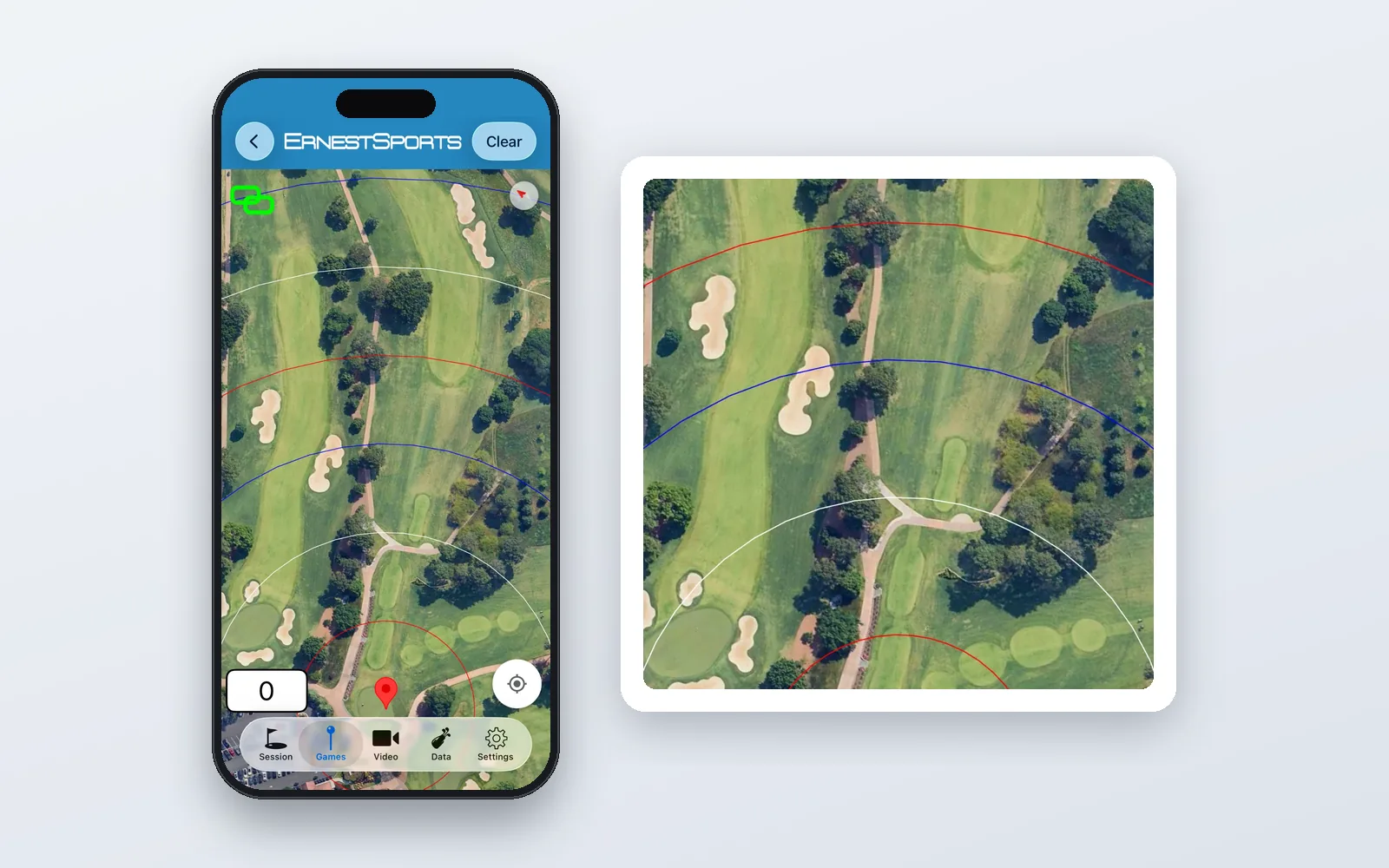
GPS mode. Outside, mark your hitting position and targets on a map, check their distances, and see distance rings from your launch monitor’s shots over the real range in front of you.
Three practice games. Five Shot scores five attempts at a distance you choose. Capture the Flag challenges you to hit a series of flag distances in as few shots as possible. Skills Challenge changes the target every time and awards points for accuracy. Each one leaves a score to beat and a session the AI can read.
Built in Atlanta, built to keep improving
We’ve been making launch monitors since 2011, and we’re a small enough company that the people who built ES Range are the ones reading your support emails. The AI in the app today is the first step, not the last one; we’re testing the next generation in our own hitting bays right now. But the principle won’t change: measure first, then explain.
If you’ve tried AI golf apps and come away unconvinced, we’d ask you to try one built on real numbers.
Measure what matters. Improve what counts.